SHOPPING CART
SKU: 230109003843
Brand : Made in China
Warranty : 3 Days
৳ 684.73
Category: Load Tester
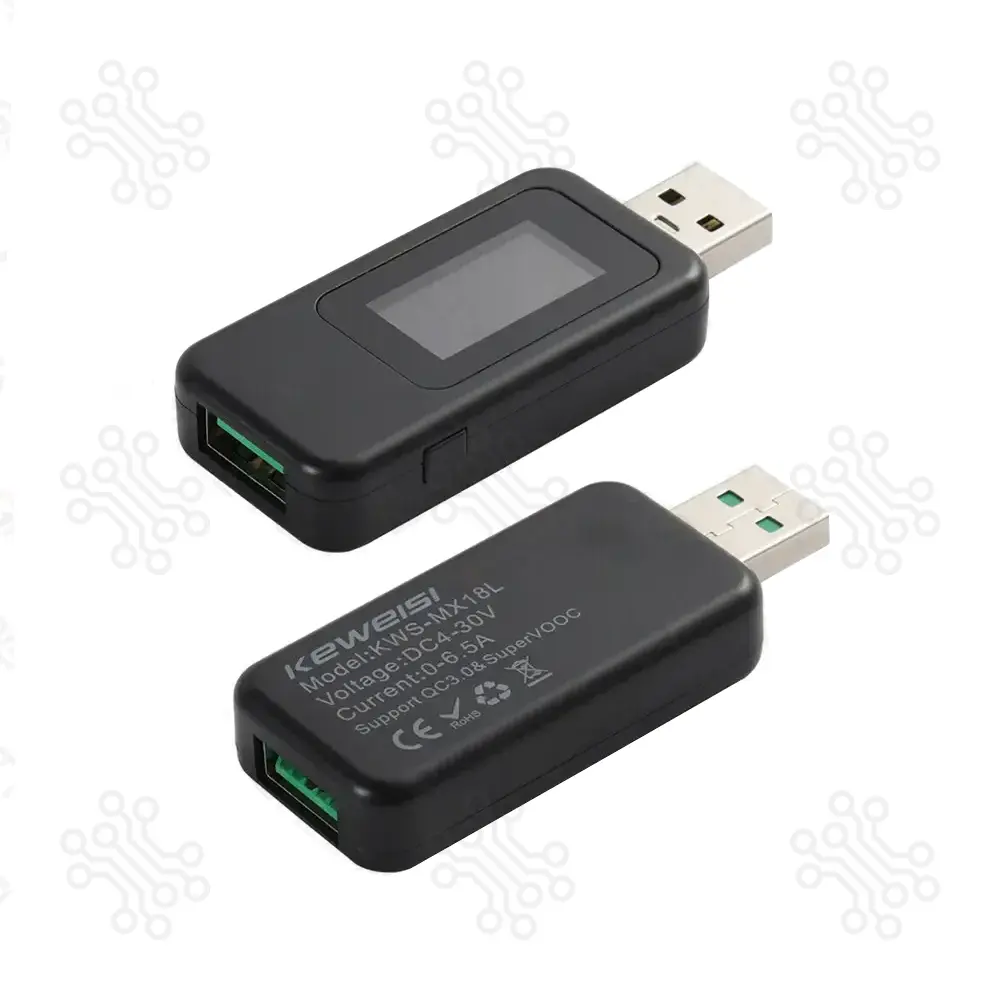
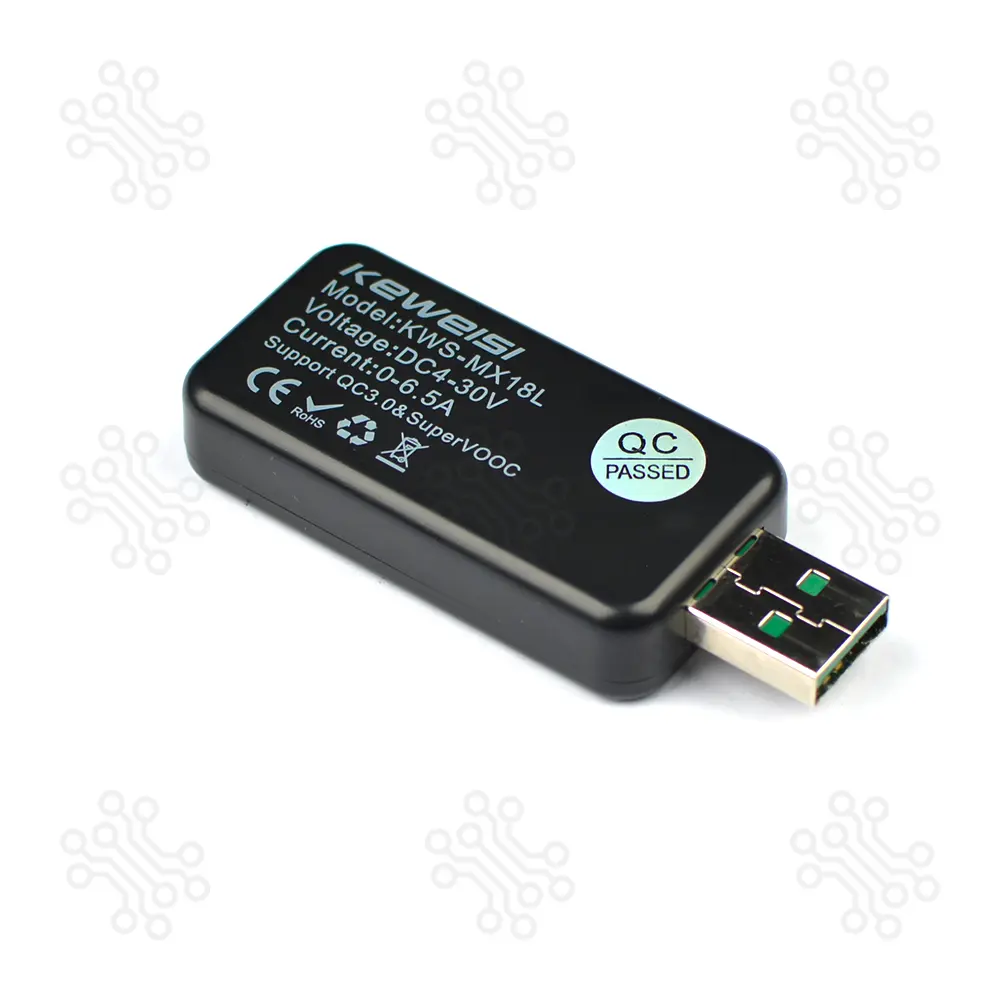
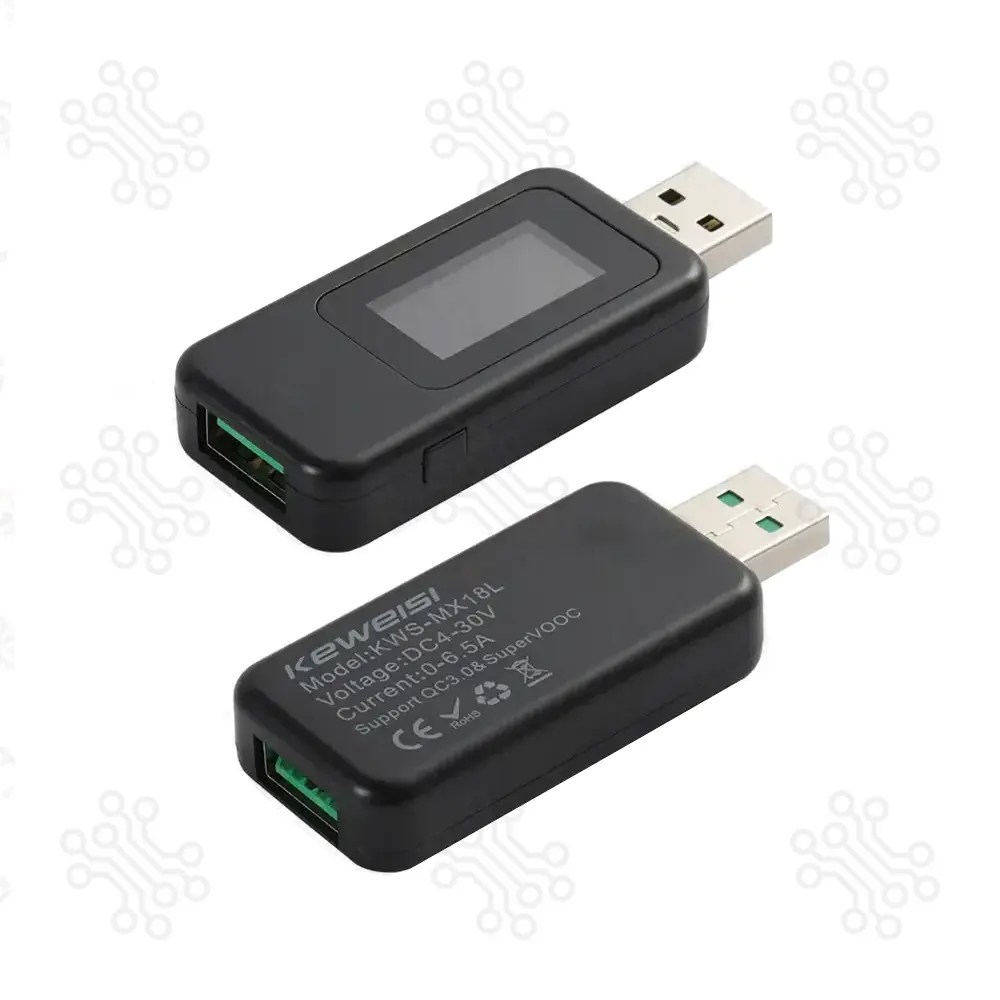
The KWS-MX18L USB Tester is a multifunctional testing device designed for monitoring and analyzing USB-powered devices. It supports real-time measurement of key electrical parameters such as voltage, current, power, capacity, energy, timing, and charging resistance.
This tester is widely used for checking USB chargers, power banks, cables, and other electronic devices, making it useful for technicians, engineers, and electronics enthusiasts.
| Parameter | Specification |
|---|---|
| Voltage Range | 4 – 30 V |
| Current Range | 0 – 6.5 A |
| Capacity (Electricity) | 0 – 9999999 mAh |
| Energy | 0 – 9999999 mWh |
| Timing Range | 0 – 99 Hours |
| Power Range | 0 – 200 W |
| Charging Resistance | 0 – 999.9 Ω |
| Data Grouping | Group 1 – 9 |
| Internal Temperature | 0 – 80 °C |
| Positive Voltage Detection | 0 – 10 V |
| Negative Voltage Detection | 0 – 10 V |
| Control Interface | Function Button |
| Input Port | USB |
| Output Port | USB |
| Parameter | Specification |
|---|---|
| Single Click | View charging data stored in Groups 1–9 |
| Press for 3 Seconds | Delete the charging data stored in the current group |
| Double Click | Switch between different display pages |
| Long Press While Powering | Enter voltage calibration mode |
| Parameter | Specification |
|---|---|
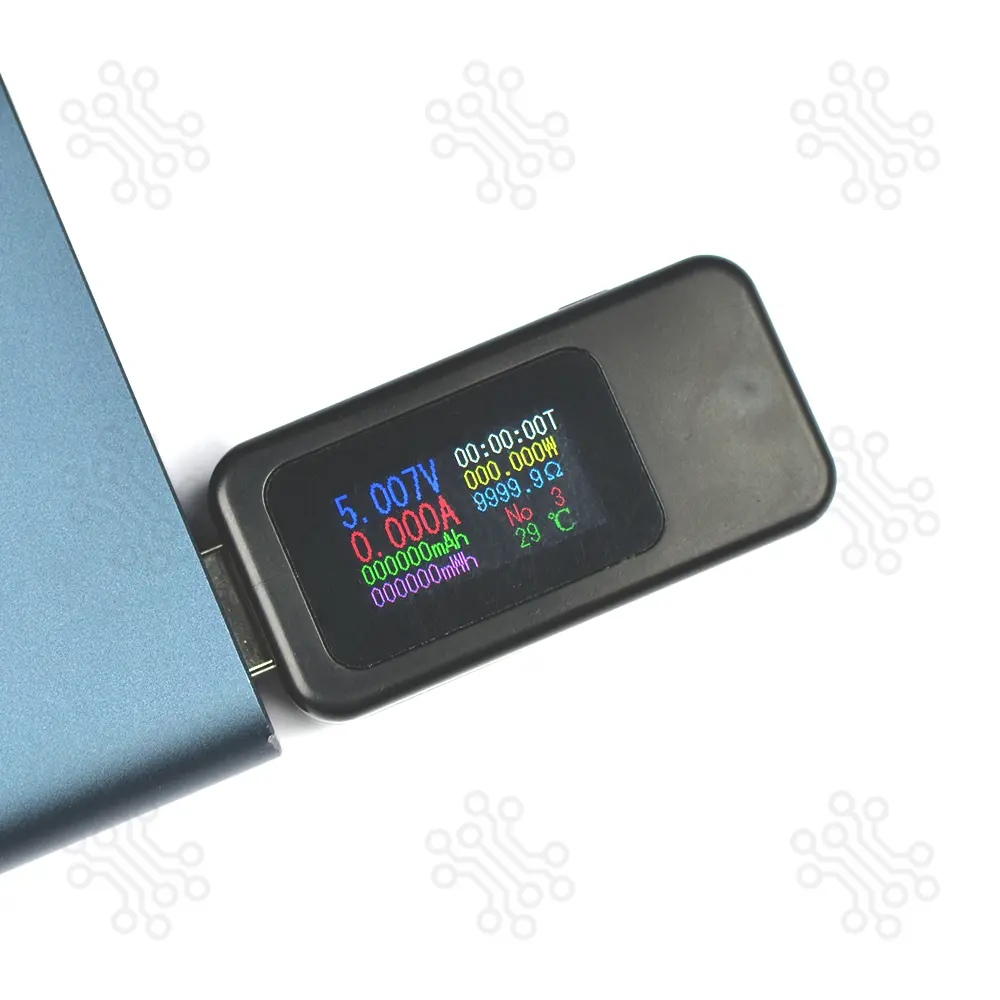
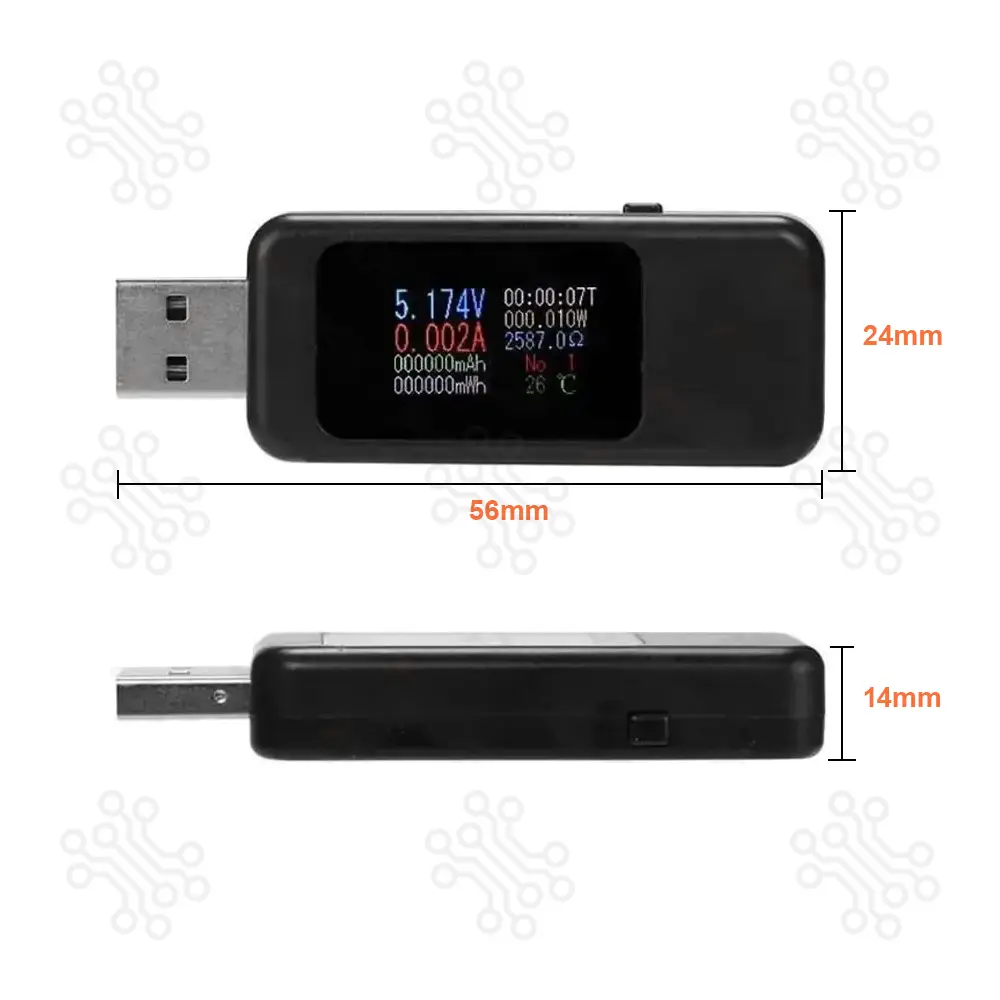
| Voltage (V) | Displays the current input voltage supplied by the power source |
| Current (A) | Shows the real-time current flowing to the connected device |
| Power (W) | Indicates the instantaneous power consumption |
| Capacity (mAh) | Accumulates the total charge delivered during the test |
| Energy (mWh) | Records the total energy consumed over time |
| Timing (T) | Displays the duration of the measurement |
| Charging Resistance (Ω) | Shows the calculated load resistance of the connected device |
| Data Group | Indicates the currently selected data storage group (1–9) |
| Internal Temperature (°C) | Displays the internal temperature of the tester |
The tester supports power-off data storage, allowing test data to remain saved even when the power is disconnected.
| Problem | Possible Cause | Solution |
|---|---|---|
| Display does not turn on | No power supply or loose connection | Ensure the tester is properly connected to a working USB power source within the 4–30V range. Try another USB port or charger. |
| Readings are inaccurate or unstable | Poor cable quality or loose connections | Check that all cables are firmly connected. Try using a different USB cable or power adapter. |
| Screen appears scratched | Protective film still attached | Gently remove the protective film from the display surface. |
| Data not stored after power off | Incorrect data group usage | Ensure the correct data storage group is selected before starting the test. |
1 × KWS-MX18L 10-in-1 Digital USB Tester
TechShopBD offers up to one year of warranty and replacement support for its products, depending on the supplier(s) and product(s). The specific warranty duration for each product can be found on the respective product page. To be eligible for warranty and replacement support, customers must agree to our terms and conditions.
Note: This item is non-returnable. If this item arrives damaged or is not functioning properly, please don’t hesitate to contact us to determine if further action is required.
Our engineers are available to assist you. If you have any queries, please leave a comment below or call 09678110110 from 09:00 am to 06:00 pm (7 days a week). You can also reach us via WhatsApp or Facebook Inbox
Ratings and 3 Reviews
Reviews (3)

 Verified Purchase
Verified Purchase
Verified Purchase
Get the right product today thanks tech shop BD. The product is amazing . Literally portable to anyone
Verified Purchase
This is a good and functional product! It has passed all tests, making it a really handy USB tester for all your needs.
Verified Purchase
It would be great to have an option to edit reviews that were submitted by mistake or are unfinished. Thank you.
By ferdousalam366 on 02 Sep 2026
Thank you for your valuable suggestion. We appreciate your feedback and will consider adding an option to edit reviews submitted by mistake or left unfinished. Thank you for helping us improve our website!
By TechShopBD on 06 Sep 2026
The latest and best price of KWS MX18L 10 in 1 Digital USB Tester in BD is BDT 684.73 Taka. You can purchase the KWS MX18L 10 in 1 Digital USB Tester at the best price on TechShopBD.com or visit our office to pick yours up today.
You can easily buy the KWS MX18L 10 in 1 Digital USB Tester at the best price in BD from TechShopBD.com (our online store) or visit our physical office.
When you choose TechShopBD for purchasing KWS MX18L 10 in 1 Digital USB Tester, you’re not just buying a product — you're investing in quality, support, and convenience. Here’s why thousands of customers trust us: