SHOPPING CART
Category: Arduino Board
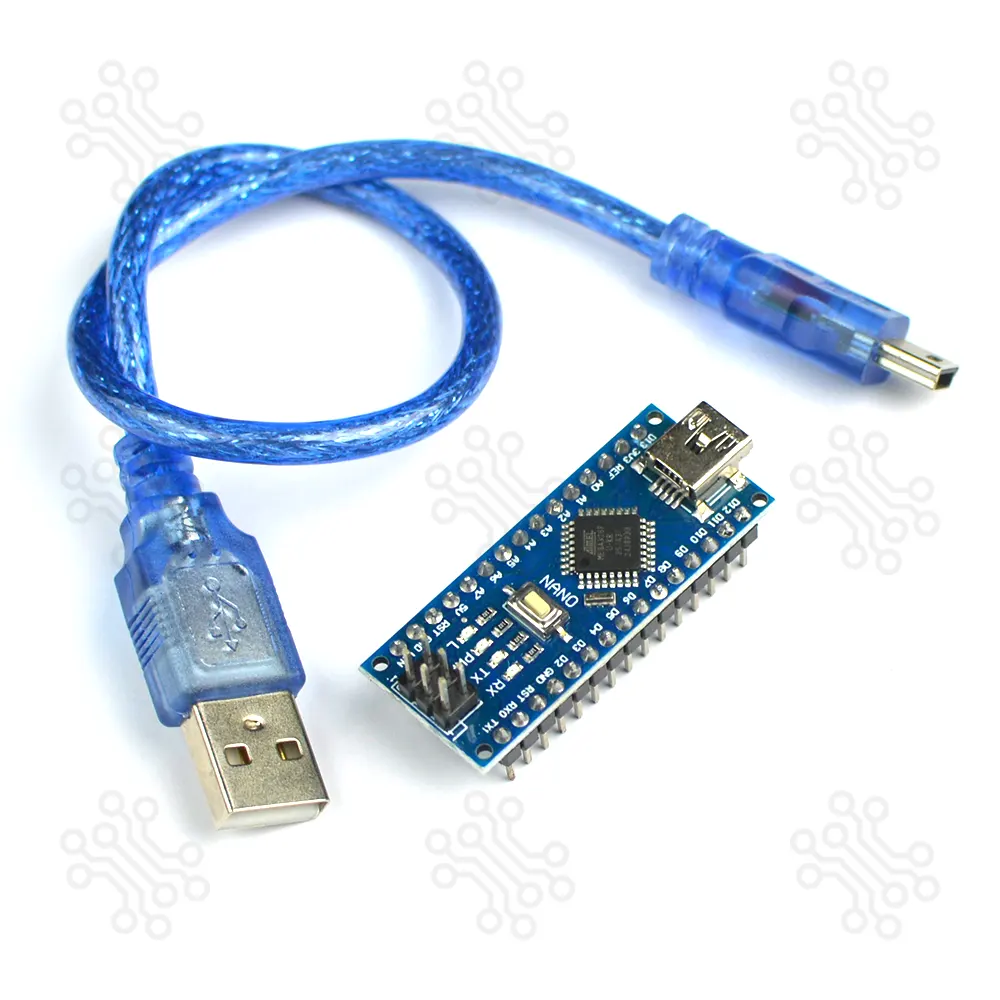
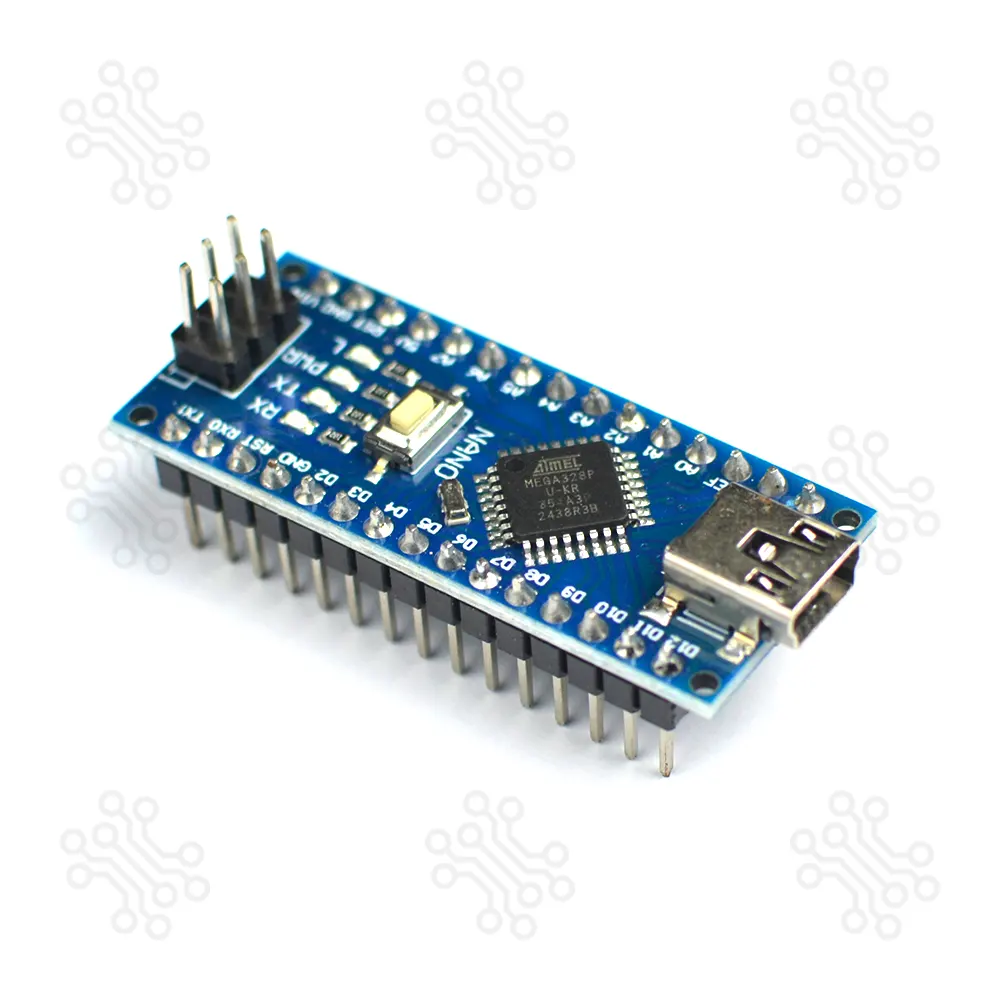
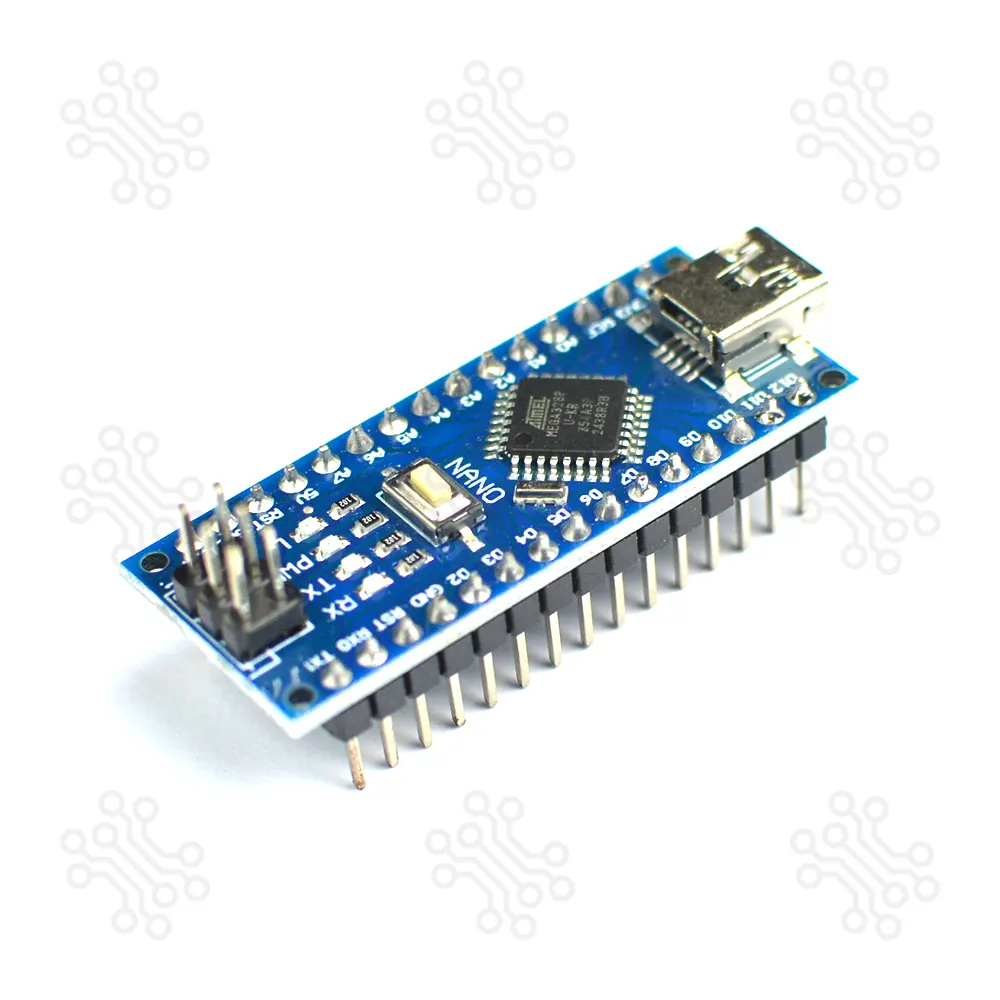
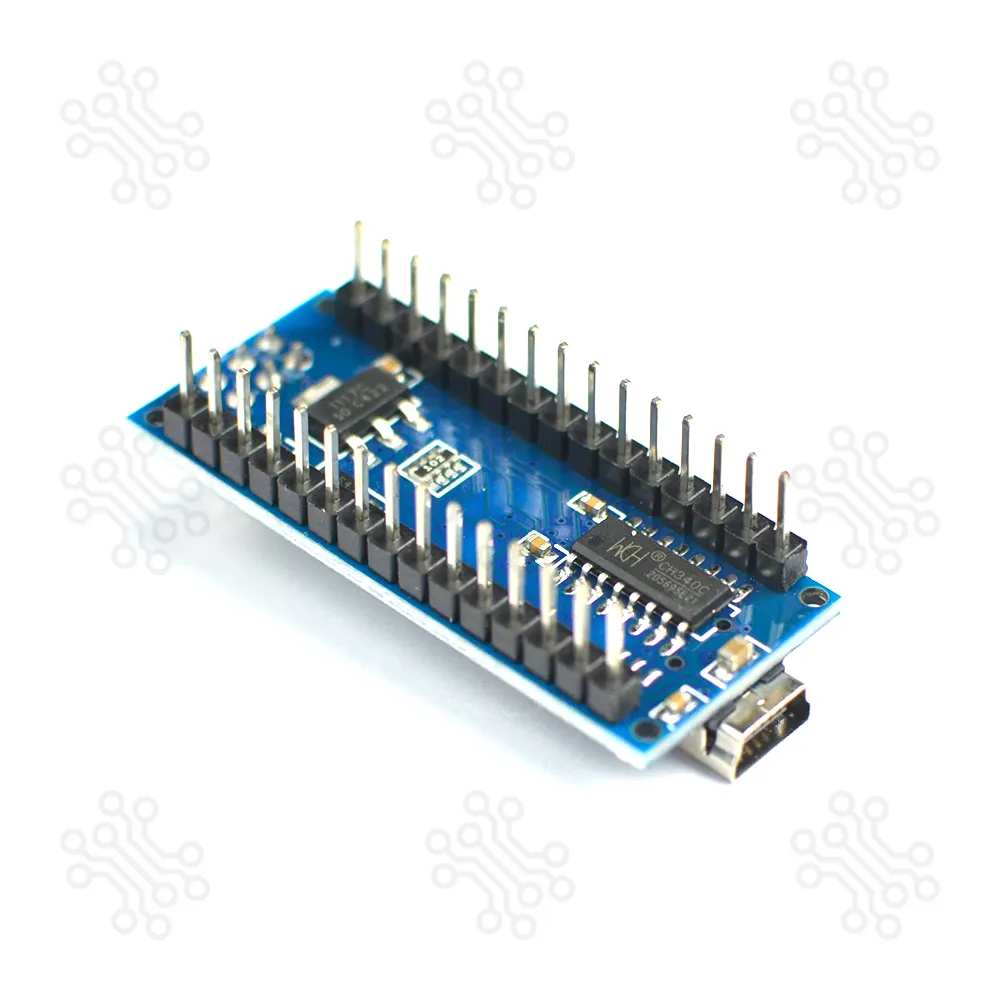
The Arduino Nano is an open-source microcontroller board based on the Microchip ATmega328P. Developed by Arduino platforms and first released in 2008, it delivers the same features and performance as the Arduino Uno, but in a much smaller, breadboard-friendly form factor.
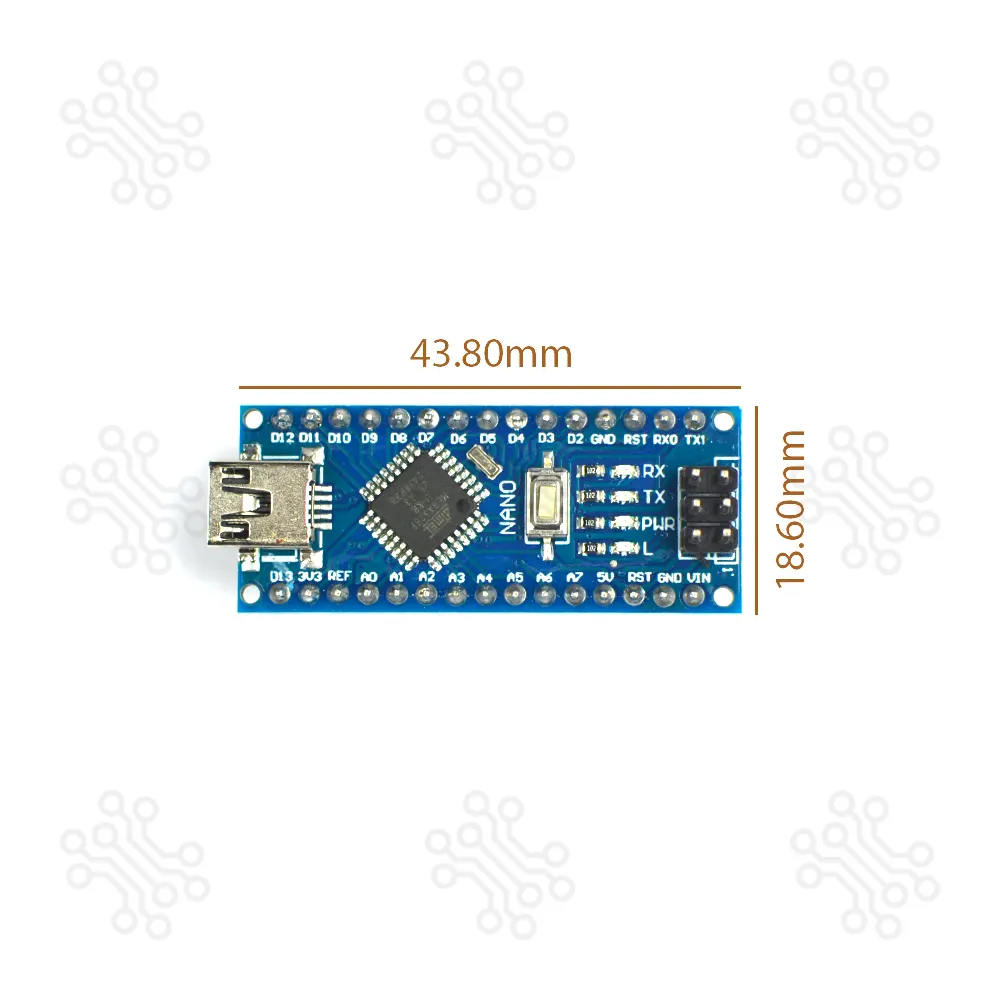
It includes 30 male I/O pins arranged in a DIP-30 style layout, making it easy to insert directly into a breadboard for prototyping. The board is programmed using the Arduino IDE, which is available for both online and offline use and supports all Arduino platforms.
Currently, we offers Arduino Nano at the most affordable price in Bangladesh. Each unit is quality checked by expert engineers to ensure top-notch performance and long-lasting durability.

| Specification | Details |
|---|---|
| Microcontroller | ATmega328P |
| Architecture | AVR |
| Operating Voltage | 5 V |
| Flash Memory | 32 KB (2 KB used by bootloader) |
| SRAM | 2 KB |
| Clock Speed | 16 MHz |
| Analog IN Pins | 8 Pin |
| EEPROM | 1 KB |
| DC Current per I/O Pins | 20 mA (I/O Pins) |
| Input Voltage | 7-12V |
| Digital I/O Pins | 22 (6 of which are PWM) |
| PWM Output | 6 Pin |
| Power Consumption | 19 mA |
| PCB Size | 18 × 45 mm |
| Weight | 7 g |

The Arduino Nano can be powered via the Mini-B USB connection, 6-20V unregulated external power supply (pin 30), or 5V regulated external power supply (pin 27). The power source is automatically selected to the highest voltage source.
The ATmega328 has 32 KB, (also with 2 KB used for the bootloader. The ATmega328 has 2 KB of SRAM and 1 KB of EEPROM.
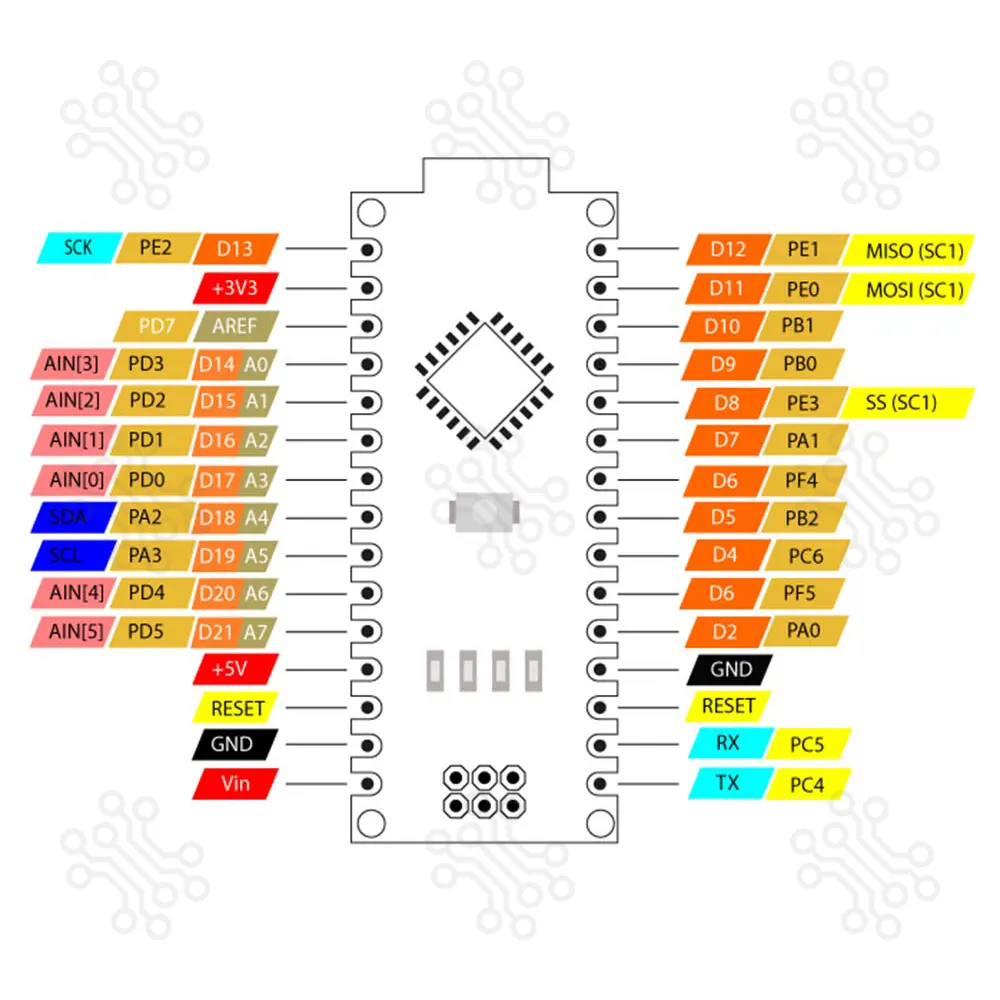
Each of the 14 digital pins on the Nano can be used as an input or output, using pinMode(), digitalWrite(), and digitalRead() functions. They operate at 5 volts. Each pin can provide or receive a maximum of 40 mA and has an internal pull-up resistor (disconnected by default) of 20-50 kOhms. In addition, some pins have specialized functions:
The Nano has 8 analog inputs, each of which provide 10 bits of resolution (i.e. 1024 different values). By default they measure from ground to 5 volts, though is it possible to change the upper end of their range using the analogReference() function. Analog pins 6 and 7 cannot be used as digital pins. Additionally, some pins have specialized functionality:
There are a couple of other pins on the board:
To get started with the Arduino Nano, first install the Arduino IDE on your computer. Connect the Nano to your PC using a USB cable and select the correct board and port from the Tools menu. Upload a sample program such as Blink to test the connection. Once the code is uploaded, the Arduino Nano will run the program automatically, allowing you to begin building and testing your projects. Some notable examples include:
The Arduino Nano is open-source hardware! You can build your own board using the following files:
TechShopBD offers up to one year of warranty and replacement support for its products, depending on the supplier(s) and product(s). The specific warranty duration for each product can be found on the respective product page. To be eligible for warranty and replacement support, customers must agree to our terms and conditions.
Note: This item is non-returnable. If this item arrives damaged or is not functioning properly, please don’t hesitate to contact us to determine if further action is required.
Our engineers are available to assist you. If you have any queries, please leave a comment below or call 09678110110 from 09:00 am to 06:00 pm (7 days a week). You can also reach us via WhatsApp or Facebook Inbox
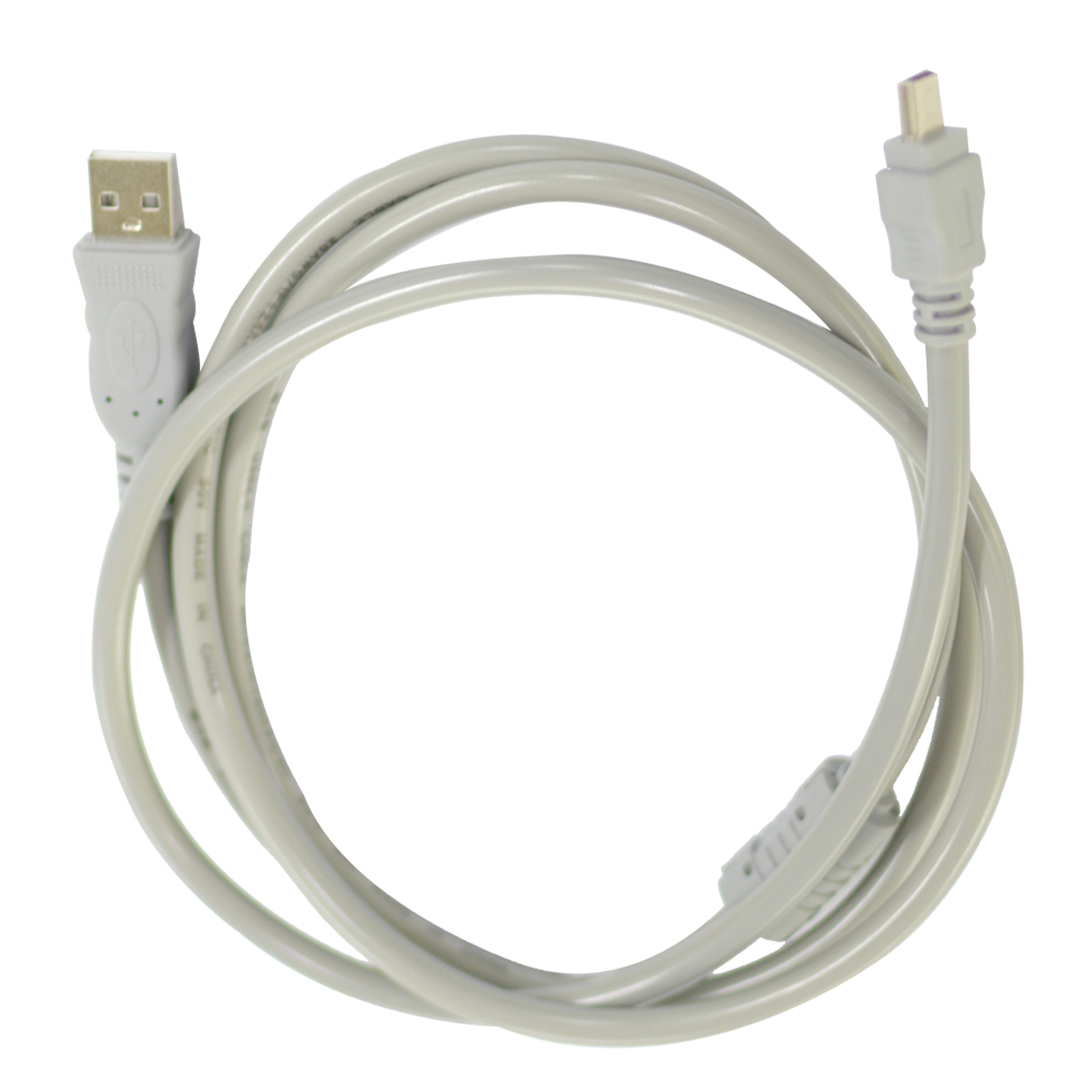
Breadboard-friendly and small compact development boards such as Arduino Nano is a different package from Duemilanove. Which works with a Mini-B USB cable for programming, debugging, and powering the board.
The Arduino Nano can be powered up using a 5V DC supply on pin 27, or via the Mini-B USB connection. You can also use a 7-12V unregulated external power supply on pin 30. The power source is automatically selected to the highest voltage source.
Recently, Arduino Nano released a new version which is V3 that we are currently selling. This is the latest version from Arduino Nano yet.
Arduino Nano uses CH340 as a USB to Serial Converter. So you have to download and install the driver before making a connection with your computer.
Sometimes, before the driver installation process, you may need to disable driver signature enforcement of the Windows Operating System. But don’t worry, you have to do this only at once.
How do I use Arduino Nano?
This is now super simple. Follow the steps below:
Arduino nano has a flash memory of 32KB with a pre installed bootloader and 2KB of SRAM. While Arduino UNO is 32KB without a bootloader and 8KB of SRAM. So it can store more data than Arduino UNO.
There is no built-in Bluetooth functionality in Arduino Nano. But you can achieve this by using a Bluetooth Module. Thus you can program the board wirelessly and also be able to implement it for your remote control project i.e. wireless robot, Bluetooth controlled robot, Android Controlled Robot, and so on.
Ratings and 7 Reviews
Reviews (7)

 Verified Purchase
Pretty damm good
Verified Purchase
The microcontroller board works fine but the cable that was delivered has loose connection. That USB connector need to be half inserted in order to work. Hopefully, had a spare cable of mine lying around to make it work.
Verified Purchase
The microcontroller board works fine but the cable that was delivered has loose connection. That USB connector need to be half inserted in order to work. Hopefully, had a spare cable of mine lying around to make it work.
Verified Purchase
Arduino Nano ekdom perfectly kaz korche,, Seller o valo and onk responsible person.. fast delivery paishi Thanks
Verified Purchase
Good
Mobile dye code upload kora jabe tahole nibo
By Refatm on 23 May 2026
জি স্যার যাবে।
By TechShopBD on 24 May 2026
Atar boot loader burn Kora
By rofiqulkhan1357 on 26 Dec 2025
Yes Sir, this one comes with the bootloader already burned.
By TechShopBD on 28 Dec 2025
Ata Nosto Hobe na told?
By rofiqulkhan1357 on 14 Dec 2025
Arduino Nano টি সম্পূর্ণ নতুন ও কোয়ালিটি টেস্টেড প্রোডাক্ট। সঠিকভাবে ব্যবহার করলে নষ্ট হওয়ার কোনো কারণ নেই।
By TechShopBD on 14 Dec 2025
Do it have the connections(pins) per-soldered?
By muzakkirmahmud1709@gmail.com on 30 Jul 2025
Eta te bootloader burn kora?
By mohammadshihab812@gmail.com on 26 May 2025
“Yes Sir, this one comes with the bootloader already burned.”
By TechShopBD on 16 Jul 2025
The latest and best price of Arduino Nano in BD is BDT 370.04 Taka. You can purchase the Arduino Nano at the best price on TechShopBD.com or visit our office to pick yours up today.
You can easily buy the Arduino Nano at the best price in BD from TechShopBD.com (our online store) or visit our physical office.
When you choose TechShopBD for purchasing Arduino Nano, you’re not just buying a product — you're investing in quality, support, and convenience. Here’s why thousands of customers trust us: