SHOPPING CART
Category: Arduino Board
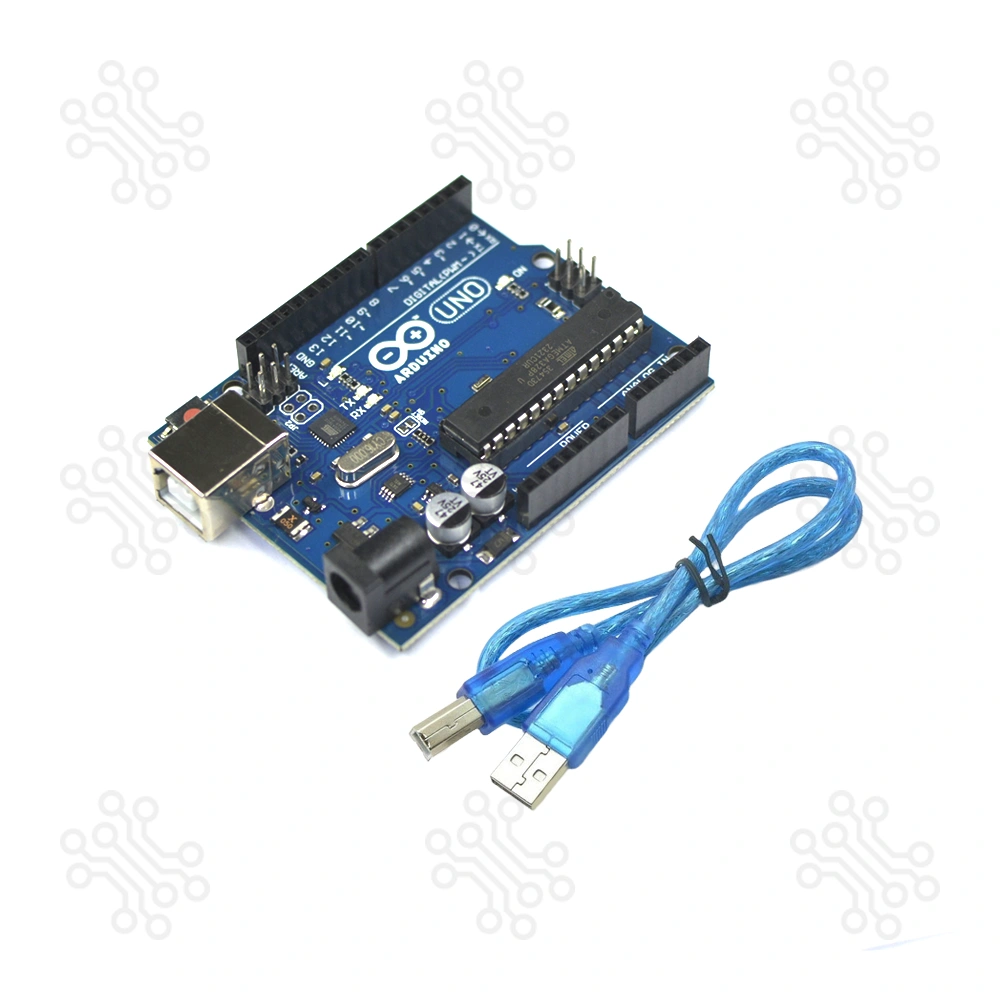
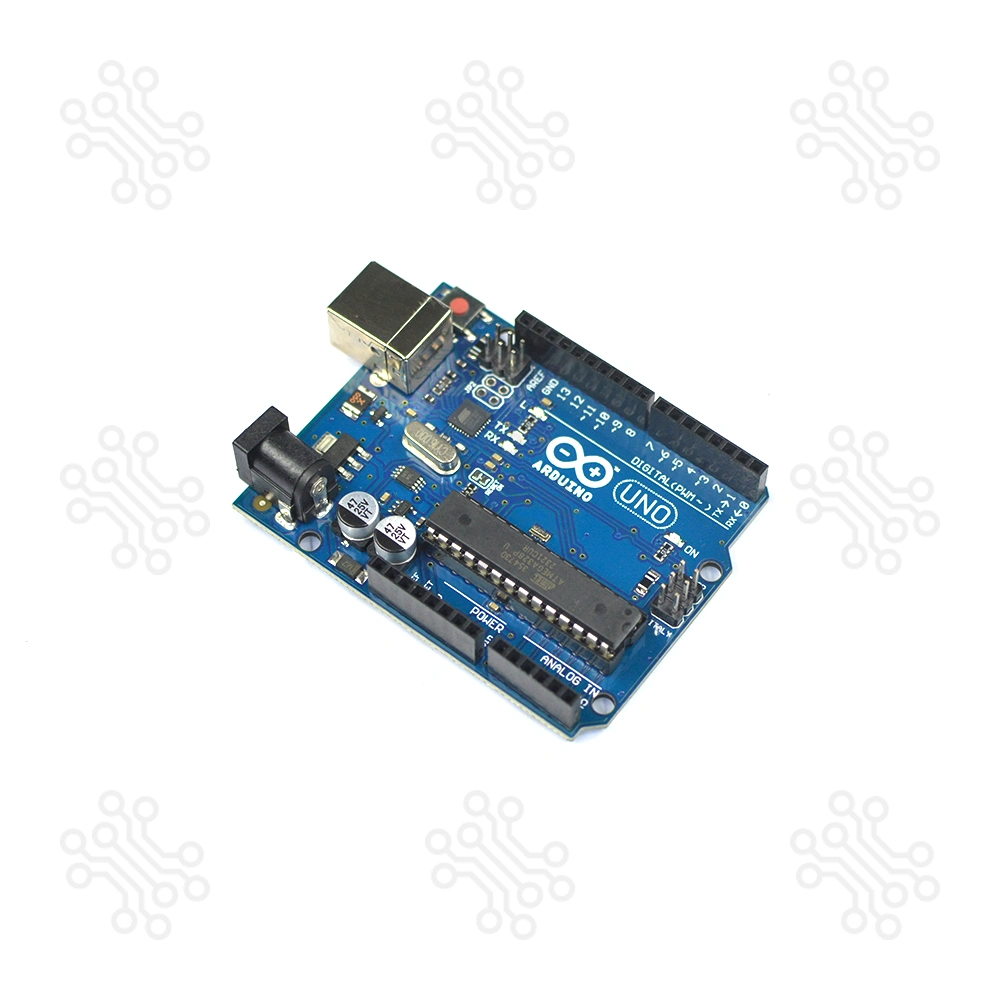
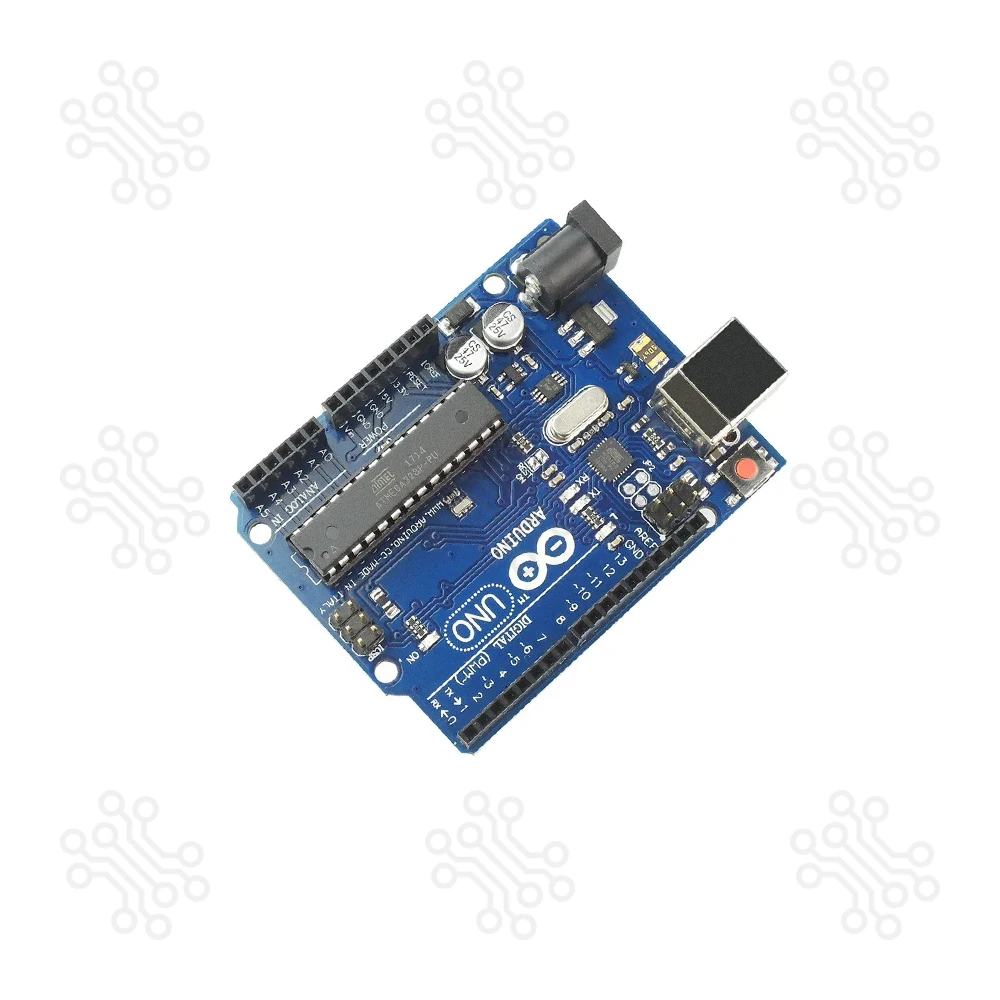
The Arduino Uno R3, built around the ATmega328P microcontroller, is one of the most popular and reliable development boards used worldwide for embedded systems, IoT, home automation, and robotics projects. Known for its stability, ease of use, and strong community support, this board is ideal for students, hobbyists, and engineers.
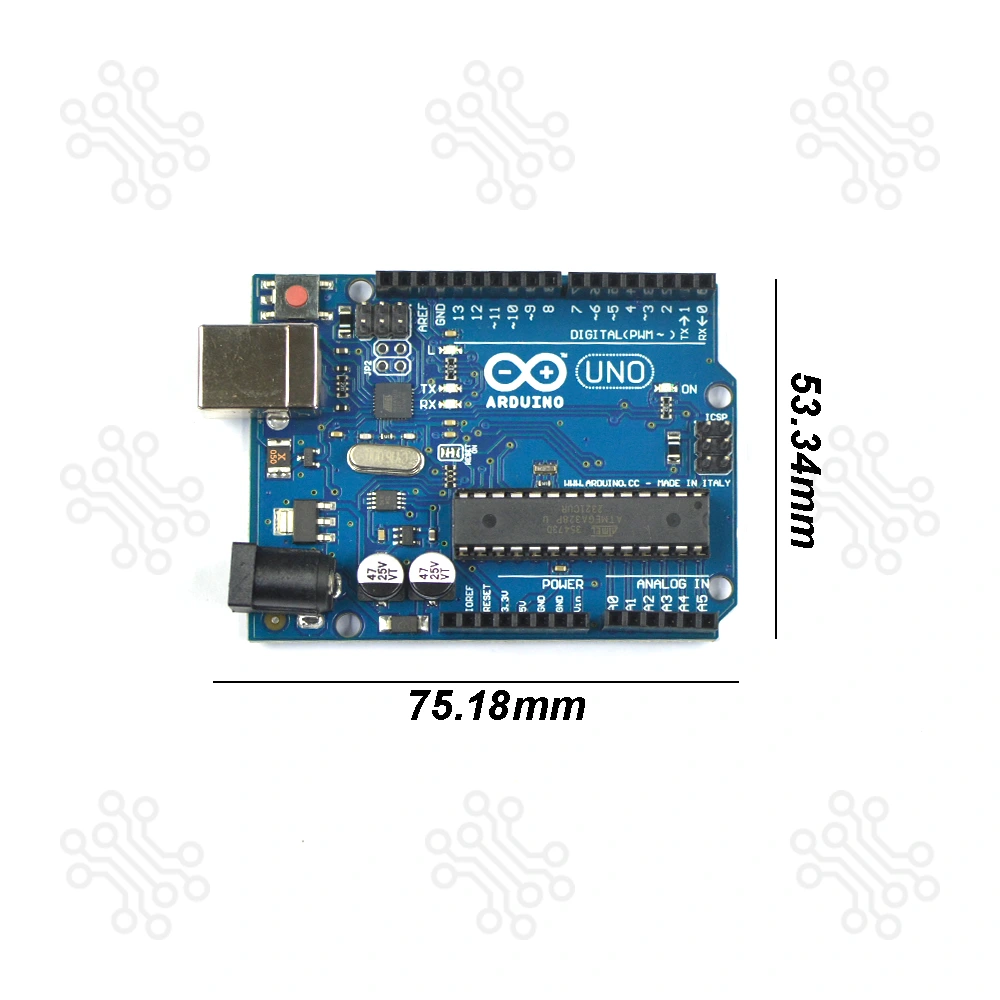
Arduino UNO is a microcontroller board based on the ATmega328P. It has 14 digital input/output pins (of which 6 can be used as PWM outputs), 6 analog inputs, a 16 MHz ceramic resonator, a USB connection, a power jack, an ICSP header and a reset button. It contains everything needed to support the microcontroller; simply connect it to a computer with a USB cable or power it with a AC-to-DC adapter or battery to get started. You can tinker with your UNO without worrying too much about doing something wrong, worst case scenario you can replace the chip for a few dollars and start over again.
This version maintains the same pin layout, features, and performance as the official Uno Rev3, making it an excellent choice for learning and building real-world projects — at a much more affordable price.
With full support for the Arduino IDE (Windows, macOS, and Linux), and a wide library of example codes, you can get started within minutes — no experience needed.
| Feature | Specification |
|---|---|
| Microcontroller | ATmega328P |
| Operating Voltage | 5V |
| Input Voltage (Recommended) | 7–12V |
| Input Voltage (Limit) | 6–20V |
| Digital I/O Pins | 14 (of which 6 provide PWM output) |
| PWM Digital I/O Pins | 6 |
| Analog Input Pins | 6 |
| DC Current per I/O Pin | 20 mA |
| DC Current for 3.3V Pin | 50 mA |
| Flash Memory | 32 KB (ATmega328P) of which 0.5 KB used by bootloader |
| SRAM | 2 KB (ATmega328P) |
| EEPROM | 1 KB (ATmega328P) |
| Clock Speed | 16 MHz |
| LED_BUILTIN | 13 |
| Length | 68.6 mm |
| Width | 53.4 mm |
| Weight | 25 g |
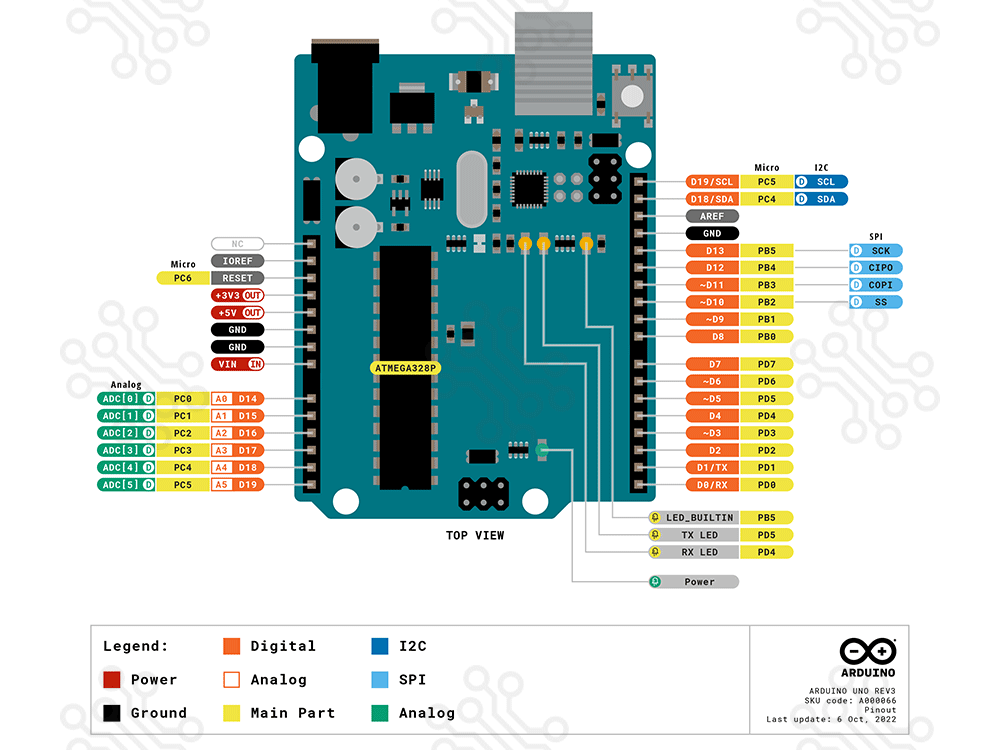
The Arduino Uno pin diagram provides a clear overview of all the board’s pins. It shows how digital, PWM, analog, power, and communication pins can be used, making it easy to connect sensors, modules, and other components correctly.
To view the complete and detailed pin diagram, please check the full diagram here: [View Full Arduino Uno Pin Diagram]
| Pin No. | Pin Name | Pin Type | Description |
|---|---|---|---|
| 1 | Reset | Reset | Resets the microcontroller when pulled LOW; usually connected to the reset button |
| 2–3 | TX, RX | Serial | Digital pins 0 (RX) and 1 (TX) for serial communication |
| 4–9 | D2 – D7 | Digital I/O | General-purpose digital I/O pins |
| 10–13 | D8 – D13 | Digital I/O | General-purpose digital I/O pins (D13 has built-in LED) |
| 14–19 | A0 – A5 | Analog Input | Analog input pins can also be used as digital I/O pins |
| 20 | AREF | Reference | External voltage reference for analog inputs |
| 21 | 3V3 | Power | 3.3V output from onboard regulator (max 50mA) |
| 22–23 | GND | Ground | Ground pins |
| 24 | VIN | Power | External power input |
| 25 | 5V | Power | 5V regulated output |
| 26–28 | SPI Pins | SPI | D10 (SS), D11 (MOSI), D12 (MISO), D13 (SCK) |
| 29–30 | A4 – A5 | I2C | I2C pins (SDA, SCL) |
| 31–36 | PWM Pins | PWM | PWM capable pins: D3, D5, D6, D9, D10, D11 |
The Arduino Uno board can be powered through the USB connection or an external power supply, with automatic power source selection.
External (non-USB) power can be provided using an AC-to-DC adapter or a battery. The adapter connects via a 2.1mm center-positive plug to the power jack, while a battery can be connected through the GND and Vin pins of the POWER header.
The board operates on an external input voltage range of 6 to 20 volts. For stable and safe operation, a supply of 7 to 12 volts is recommended. Voltages below 7V may cause instability, and voltages above 12V may overheat the voltage regulator and damage the board.
Power Pins
Programming the Arduino Uno R3 is simple and beginner-friendly. First, install the Arduino IDE from the official website and connect the board to your computer using a USB Type A–B cable. In the IDE, select Arduino Uno under Tools → Board and choose the correct serial port under Tools → Port. You can then write your own sketch or open one of the built-in example sketches to get started.
Once your code is ready, click the checkmark (✓) to compile and the arrow (→) to upload it to the board. For projects involving serial communication or debugging, use the Serial Monitor and ensure the baud rate matches your sketch. After uploading, your Arduino Uno R3 is ready to run a variety of projects such as IoT applications, robotics, sensor systems, and home automation. Some notable examples include:
Arduino Uno is open-source hardware! You can build your own board using the following files:
What is Arduino Uno?
Arduino Uno is an open-source electronics development board based on the ATmega328P microcontroller. It is easy to program and ideal for beginners as well as professionals to build embedded system projects. Arduino Uno is widely used in home automation, robotics, environmental monitoring, and wearable technology, and it supports various expansion boards (shields) for flexible project development.
Where can I get the best Arduino Uno price in BD?
We offer the best Arduino Uno Price in BD. This board is perfect for beginners, allowing easy practice and project development. As an open-source Arduino platform, the full schematic and PCB layout are available online. You can also find many tutorials on home automation and IoT projects easily on Google.
Which variant of Arduino is best for you, compared to the Price in BD?
Ok. The question is important, but the answer is simple. This is 2021, and the Arduino Uno Rev3, which is revision 3, is only marketed by the manufacturer. This is the latest version of Arduino Uno.
Is this Arduino Uno original or a clone?
No way. You may find the genuine version of Arduino Uno here, and the price is impressively high. This is a Chinese version of Arduino Uno.
Although there must be a quality difference between those products, you may be glad to know that there is no hardware issue here. You may get this product at a cheap price rather than a high-priced genuine version. If you're a beginner, we recommend trying it out first.
What’s about the Arduino Uno Programming?
All of the Arduino boards are programmed by using the Arduino IDE, and this is completely free. You can download the Arduino IDE for Windows, Linux, and Mac operating systems. Sometimes you may be able to find third-party mobile apps to program the Arduino Boards. This is a delight.
How can I learn?
So easy. Yes, Arduino IDE itself may be a user manual or an instructor for you. This IDE comes with all of the basic example programs to start. You may upload the program simply from the IDE.
One more thing, you can also find a huge online tutorial for advanced programming. No limitation is there.
Is this Arduino Uno safe for children?
We don’t think so. There is a lot of technical terms there. But if you have an instructor or strong guidance, then it may be processed. If someone is there, with the help of Arduino Uno, it may be great for any science projects.
How to power up the Arduino Uno?
Arduino Uno may power up with a wide range of DC input voltage, that is, 7-12V. We recommend that you use this SMPS-based AC-to-DC Power Adapter 12V for powering up your Arduino Uno. But if you want to make it portable, then this 2S Li-Ion Battery with Charger or Mini UPS (5V, 9V, 12V) can be used.
What’s about the Programming Cable for the Arduino Uno?
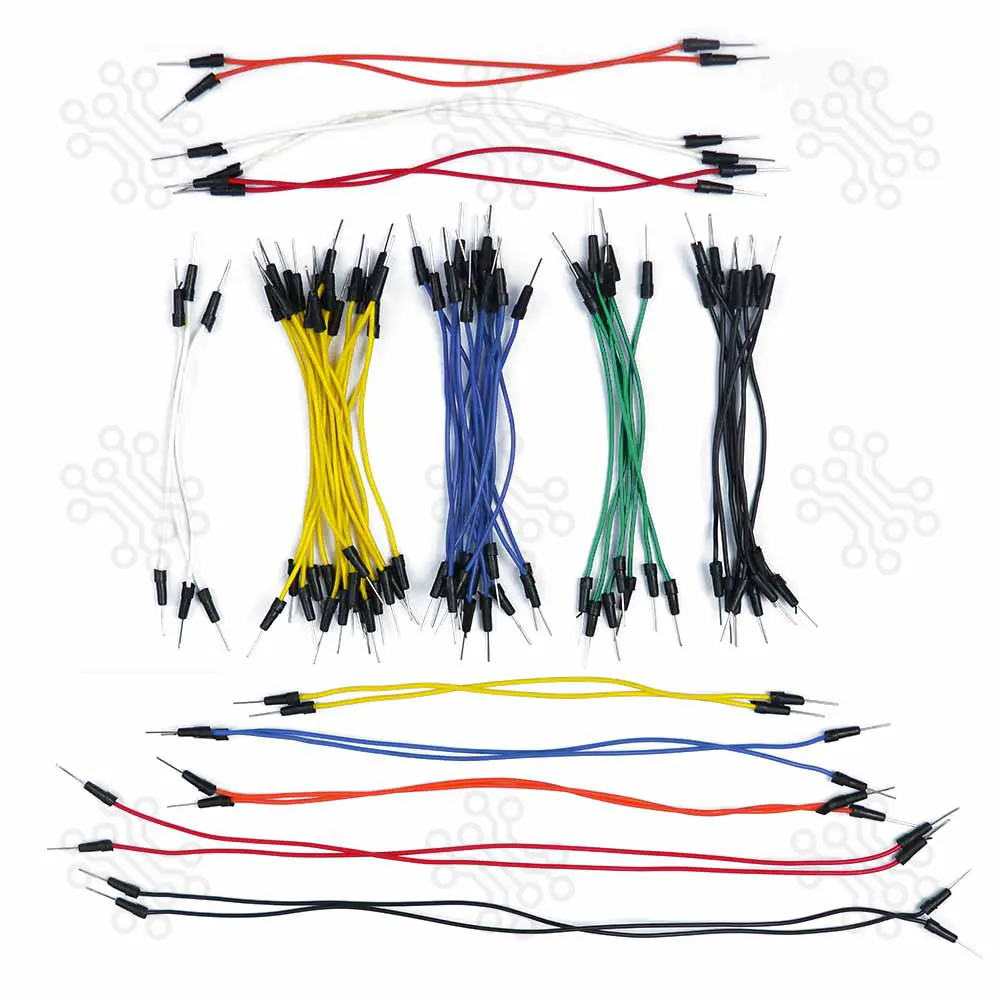
Got it. You may be glad to know that this product comes with a USB Programming Cable. You don’t have to purchase it separately. But if you want a lengthy cable for more flexibility, then you may purchase it from here.
Any other accessories for Arduino Uno?
We are offering the Arduino Uno and all of the accessories at the best price in bd. You can find all of the accessories here. Take a look at the list below and don’t forget to collect it.
TechShopBD offers up to one year of warranty and replacement support for its products, depending on the supplier(s) and product(s). The specific warranty duration for each product can be found on the respective product page. To be eligible for warranty and replacement support, customers must agree to our terms and conditions.
Note: This item is non-returnable. If this item arrives damaged or is not functioning properly, please don’t hesitate to contact us to determine if further action is required.
Our engineers are available to assist you. If you have any queries, please leave a comment below or call 09678110110 from 09:00 am to 06:00 pm (7 days a week). You can also reach us via WhatsApp or Facebook Inbox
Ratings and 13 Reviews
Reviews (13)

 Verified Purchase
Just received the product, and the packaging was great! It was well-protected and safely packed to prevent any kind of damage. Excited to start learning and working on my Arduino Uno projects with it.
Verified Purchase
I ordered this product on 3rd August 2026 for my EEE Lab course project. Everything was good, and I received the product exactly as I expected.
Verified Purchase
I bought the arduino uno about a week ago and the quality of the product is better than i expected and is working very smoothly without any issues.
Verified Purchase
Excellent build quality. Once i accidentally broke a pin of the main ic, and soldiered anyhow, but still works fine.
Verified Purchase
It is ok..
is it usb cable included????
By hasansamiul592 on 30 Apr 2026
Yes Sir Cable included
By TechShopBD on 02 May 2026
what is the difference between clone and original version?
By hamim.me01@gmail.com on 22 Feb 2026
Original বোর্ডটি অফিসিয়াল Arduino ব্র্যান্ডের—বিল্ড কোয়ালিটি ও রিলায়েবিলিটি বেশি। Clone বোর্ডে ফিচার ও পারফরম্যান্স একই, শুধু ভিন্ন ম্যানুফ্যাকচারার হওয়ায় দাম কম।
By TechShopBD on 23 Feb 2026
Is it made in Italy or china ? In photo of PCV is saying made it Italy!
By jhionadbar@gmail.com on 07 May 2024
this is chinese version.but, chip is original ATmega328P. if you need original italy version then search our webite Arduino Uno R3 (Original) Model No: ARD-00032, product link:- https://techshopbd.com/detail/1281/
By TechShopBD on 08 May 2024
Hi
By rana15185@gmail.com on 31 Aug 2023
hihi
By rana15185@gmail.com on 31 Aug 2023
The latest and best price of Arduino Uno R3 in BD is BDT 920.04 Taka. You can purchase the Arduino Uno R3 at the best price on TechShopBD.com or visit our office to pick yours up today.
You can easily buy the Arduino Uno R3 at the best price in BD from TechShopBD.com (our online store) or visit our physical office.
When you choose TechShopBD for purchasing Arduino Uno R3, you’re not just buying a product — you're investing in quality, support, and convenience. Here’s why thousands of customers trust us: